



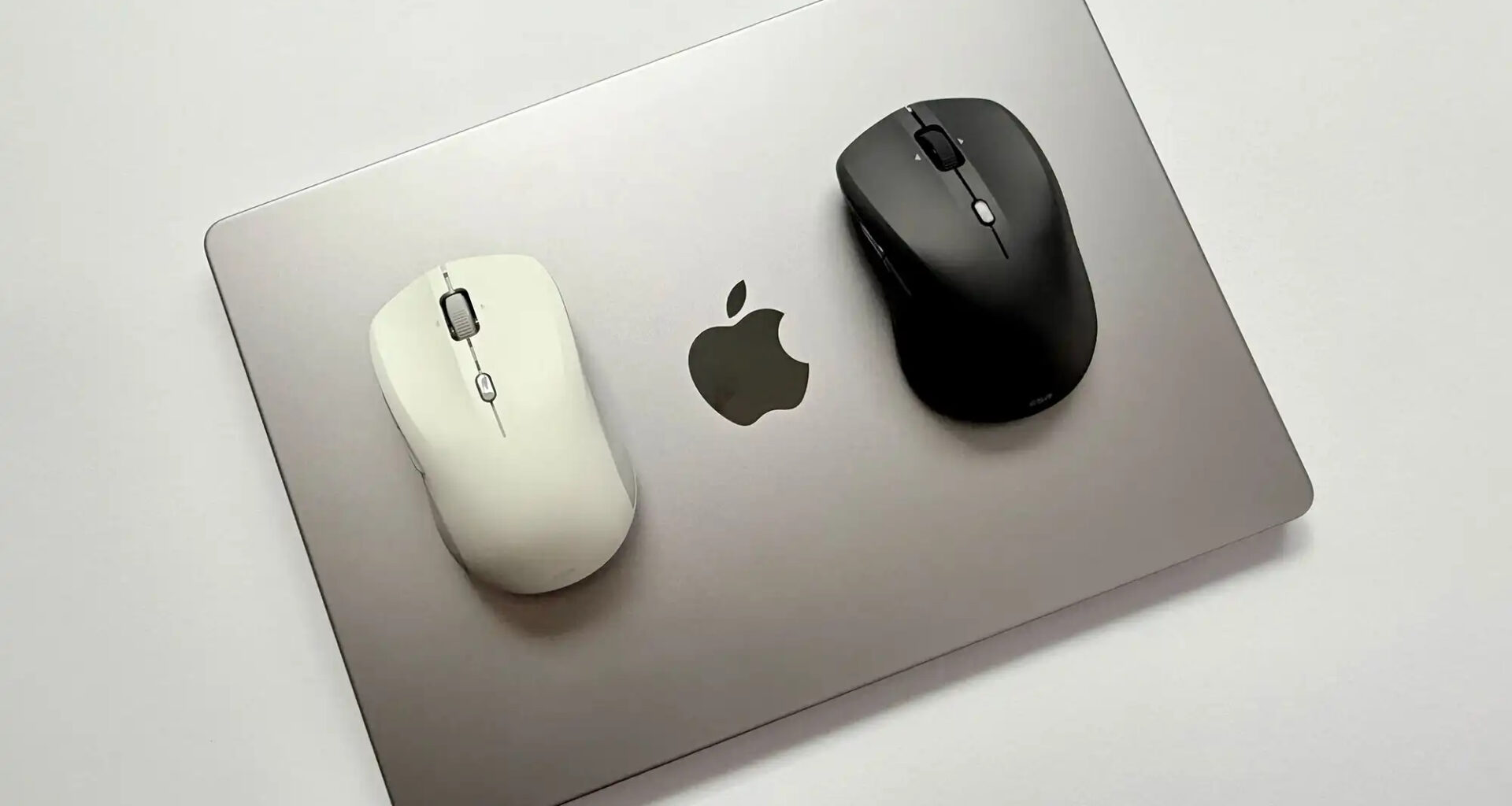

Choosing one of the best mice for Mac can make a major difference when working, editing photos, browsing the web, or simply enjoying a more comfortable experience with macOS. Although the trackpad on MacBook models offers excellent precision, a mouse remains an essential tool for many users.
There are currently many options compatible with Apple’s computers, ranging from minimalist models to ergonomic devices and mice specifically designed for productivity. In this guide, we review the 5 best mice to use with a Mac, taking into account comfort, precision, features, battery life, and value for money.
Comparison Table of the Best Mice for Mac
| Mouse | Type | Connectivity | Battery Life | Best For |
|---|---|---|---|---|
| Apple Magic Mouse | Touch and minimalist | Bluetooth | Long | Apple users |
| Logitech MX Master 3S | Ergonomic | Bluetooth and receiver | Up to 70 days | Productivity |
| Logitech MX Anywhere 3S | Compact | Bluetooth and receiver | Up to 70 days | Travel |
| Razer Pro Click Mini | Compact and quiet | Bluetooth and receiver | Very long | Work and mobility |
| Logitech Lift | Vertical ergonomic | Bluetooth and receiver | Up to 24 months | Comfort |
1. Apple Magic Mouse
The Apple Magic Mouse remains one of the most popular mice for Mac for users looking for a device that integrates perfectly with Apple’s ecosystem. Its Multi-Touch surface allows users to scroll through web pages, documents, and applications using gestures.
Its extremely thin and minimalist design makes it an accessory that fits perfectly alongside a MacBook, iMac, or Mac mini.
Advantages
- Elegant design with excellent macOS integration.
- Multi-Touch surface with gesture support.
- Premium build quality.
- Extremely slim profile.
Disadvantages
- Ergonomics can be improved during long sessions.
- The charging port is located on the bottom.
- Fewer buttons than other advanced mice.
2. Logitech MX Master 3S
The Logitech MX Master 3S is one of the best mice for Mac for users who prioritize productivity and comfort. Its ergonomic design includes several programmable buttons, a vertical scroll wheel, and a second thumb wheel for horizontal scrolling.
It is particularly recommended for professionals who spend many hours in front of a Mac, including programmers, designers, video editors, and users who work with large documents.
Advantages
- Excellent ergonomics.
- Multiple customizable buttons.
- Fast and precise scrolling.
- Excellent battery life.
- Compatible with multiple devices.
Disadvantages
- Larger and heavier than other mice.
- More expensive than average.
- Not the best option for frequent travel.
3. Logitech MX Anywhere 3S
For users who need a compact mouse, the Logitech MX Anywhere 3S is an excellent alternative. Its size makes it easy to carry alongside a MacBook, while its sensor works on a wide variety of surfaces.
This model offers a very interesting balance between portability, precision, and advanced features. It can also connect to multiple devices, which is particularly useful for users who use a Mac alongside an iPad or another computer.
Advantages
- Compact size.
- Excellent precision.
- Long battery life.
- Works on a variety of surfaces.
- Multi-device connectivity.
Disadvantages
- Less comfortable than a large ergonomic mouse.
- Does not include a horizontal scroll wheel.
- May feel small for users with large hands.
4. Razer Pro Click Mini
The Razer Pro Click Mini is one of the most interesting compact mice for working with a Mac. Its design includes quiet buttons, making it particularly useful in offices, libraries, and shared spaces.
It also offers good precision and multiple connectivity options, allowing it to be used via Bluetooth or with a compatible wireless receiver.
Advantages
- Very quiet buttons.
- Compact design.
- Good precision.
- Flexible wireless connectivity.
- Excellent for working in public spaces.
Disadvantages
- Not as ergonomic as larger models.
- May require additional configuration to take full advantage of all its features on macOS.
- Its design may feel too small for some users.
5. Logitech Lift
The Logitech Lift features a vertical design intended to improve the position of the hand and wrist. It is an especially interesting option for users who spend many hours working with a Mac.
Its vertical shape may require an adjustment period, but many users find this type of design more comfortable during long workdays.
Advantages
- Vertical ergonomic design.
- Excellent battery life.
- Quiet operation.
- Multi-device connectivity.
- Comfortable for long work sessions.
Disadvantages
- Requires an initial adjustment period.
- Not as compact as other mice.
- The vertical design may not appeal to every user.
Which Is the Best Mouse for Mac?
Choosing between the best mice for Mac depends primarily on the type of user. The Apple Magic Mouse is the best option for those who prioritize design and macOS integration. The Logitech MX Master 3S is ideal for productivity, while the MX Anywhere 3S is perfect for users who need portability.
Meanwhile, the Razer Pro Click Mini is a good alternative for quiet working environments, and the Logitech Lift stands out for its ergonomics. Ultimately, all of these mice offer an excellent experience with a Mac, but the final choice will depend on your needs, budget, and the level of comfort you are looking for.