


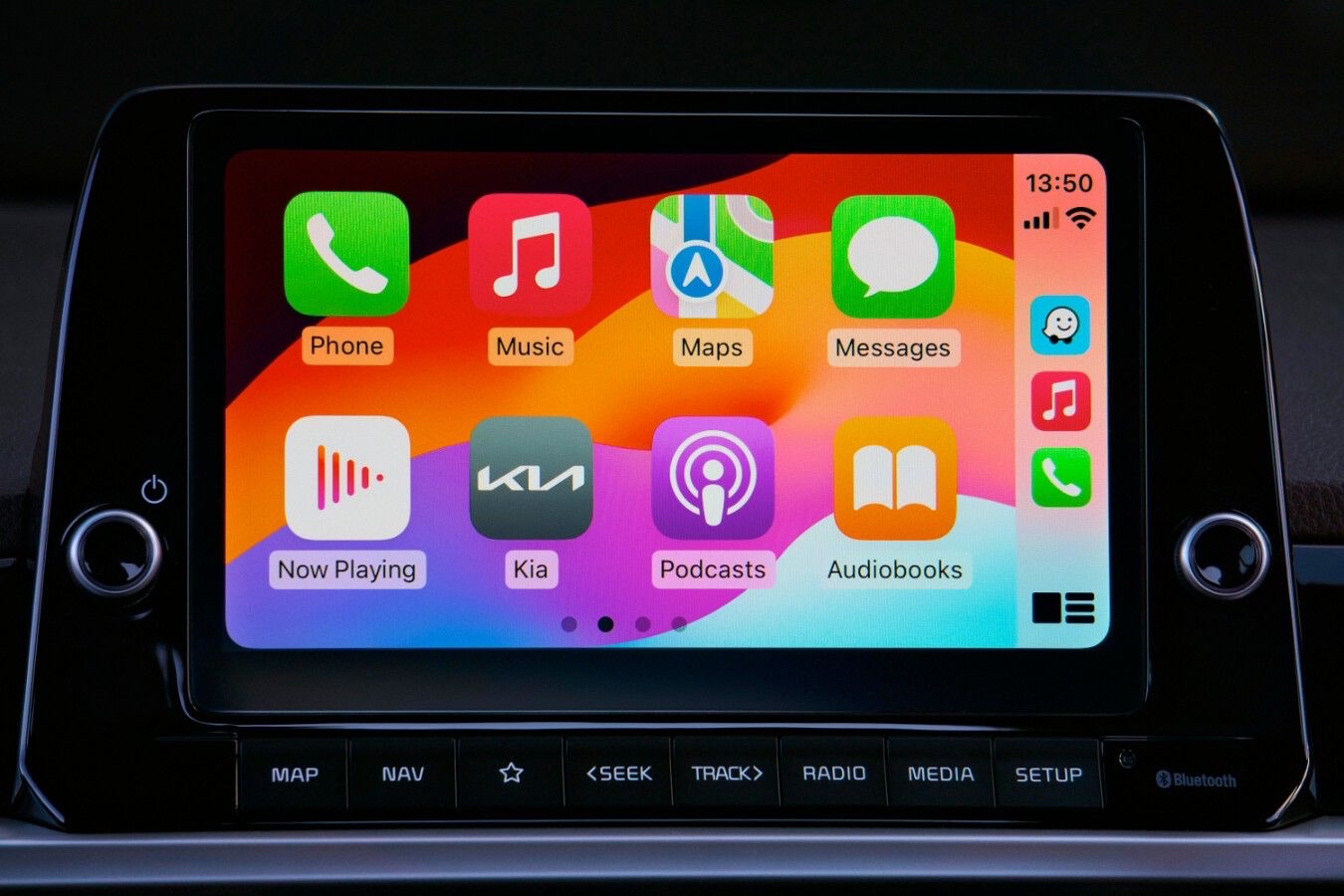

In recent years, the automotive industry has experienced a massive technological shift, transforming the traditional dashboard into a smart, connected hub. Apple’s infotainment system has become an indispensable companion for millions of drivers worldwide, offering seamless integration between your iPhone and your vehicle’s display. However, the true power of this system lies in the software you choose to run on it. Equipping your car with the top CarPlay apps can drastically improve your daily commute, making it safer, more efficient, and highly entertaining. Whether you need precise navigation, a vast library of music, or hands-free communication, downloading the right tools is essential. In this comprehensive guide, we will explore the five best CarPlay apps available today, detailing their unique features, advantages, and drawbacks to help you optimize your time on the road.
Comparative Table of Applications
| Application | Primary Category | Standout Feature | Pricing Model |
|---|---|---|---|
| Google Maps | Navigation | Highly accurate route mapping | Free |
| Waze | Social Navigation | Real-time hazard and traffic alerts | Free |
| Spotify | Audio Streaming | Massive music and podcast library | Free with Ads / Premium |
| Pocket Casts | Podcasts | Advanced audio playback controls | Free / Plus Subscription |
| Communication | Hands-free messaging via Siri | Free |
1. Google Maps: The Ultimate Navigation Standard
When it comes to digital mapping and route planning, Google Maps remains the undisputed king. Its seamless integration with the Apple ecosystem provides drivers with a highly detailed, reliable, and user-friendly navigation experience. As one of the premier CarPlay apps, it offers real-time traffic updates, lane guidance, and an extensive database of points of interest, from gas stations to local restaurants.
- Advantages: Exceptional global map coverage, highly accurate estimated times of arrival, and the ability to download specific areas for offline navigation when cellular service is unavailable.
- Disadvantages: It can consume a significant amount of mobile data and battery life if the phone is not physically plugged into the vehicle’s charging port.
2. Waze: Community-Driven Real-Time Alerts
For drivers who want to stay ahead of every potential delay, Waze is an absolute necessity. What sets Waze apart from other CarPlay apps is its massive, active community of users who report incidents in real time. From speed traps and police presence to potholes and severe weather conditions, Waze keeps you informed about exactly what is happening on the road ahead.
- Advantages: Instant, crowd-sourced alerts regarding road hazards, aggressive automatic rerouting to save time during heavy traffic jams, and a fun, highly customizable visual interface.
- Disadvantages: The user interface can sometimes feel cluttered with too many icons on the screen, and its aggressive routing might send you down narrow, complicated residential streets just to save a minute.
3. Spotify: Your Personal Soundtrack on the Go
No road trip is complete without the perfect playlist, and Spotify stands out as one of the best CarPlay apps for audio entertainment. The platform has optimized its interface specifically for driving, featuring large, easy-to-read buttons, simplified menus, and excellent voice command integration through Siri. You can safely browse your favorite albums, discover new artists, or resume your daily mix without taking your eyes off the road.
- Advantages: A massive library of songs and podcasts, brilliant algorithmic recommendations tailored to your taste, and a driving-optimized user interface that minimizes visual distractions.
- Disadvantages: The free tier includes frequent audio advertisements and limits the number of times you can skip tracks, making a premium subscription highly recommended for the best experience.
4. Pocket Casts: The Premium Podcast Experience
If you prefer spoken-word audio over music, Pocket Casts is a fantastic addition to your dashboard. While there are many audio CarPlay apps, Pocket Casts excels due to its clean design and advanced playback features. It allows you to effortlessly manage your podcast queues, skip silent pauses automatically, and adjust playback speeds, all through a streamlined interface designed for safe driving.
- Advantages: Superior organization of podcast subscriptions, seamless cross-device syncing, and smart playback controls that are easily accessible while driving.
- Disadvantages: Some of the more advanced customization features and cloud storage options are locked behind a paid subscription tier.
5. WhatsApp: Safe and Hands-Free Communication
Staying connected with family, friends, or colleagues while driving used to be dangerous, but modern technology has solved this issue. WhatsApp is considered one of the best CarPlay apps because it deeply integrates with Siri to provide a completely hands-free communication experience. You can have your incoming messages read aloud to you and dictate your replies without ever touching your smartphone or looking away from the road.
- Advantages: Enables safe, hands-free messaging and voice calling, ensuring you remain compliant with traffic laws regarding mobile phone usage while driving.
- Disadvantages: For safety reasons, you cannot view your chat history, scroll through conversations, or look at multimedia files on the car’s display.
Conclusion: Customize Your Dashboard
Selecting the best CarPlay apps ultimately depends on your individual driving habits and daily needs. By combining a powerful navigation tool like Google Maps or Waze with an entertainment powerhouse like Spotify or Pocket Casts, you can completely transform your driving experience. Furthermore, integrating communication tools like WhatsApp ensures that you never miss an important message while maintaining maximum safety on the highway. Install these essential CarPlay apps today and take full control of your smart dashboard, turning every mundane commute into a highly enjoyable and productive journey.